











The Bongobongo mobile application gives Zambian players direct access to sports betting and casino games from an Android device. It is designed for touch screens, with account tools, betting markets, and game sections arranged for mobile use. This guide explains how to download, install, register, log in, update, and troubleshoot the application.
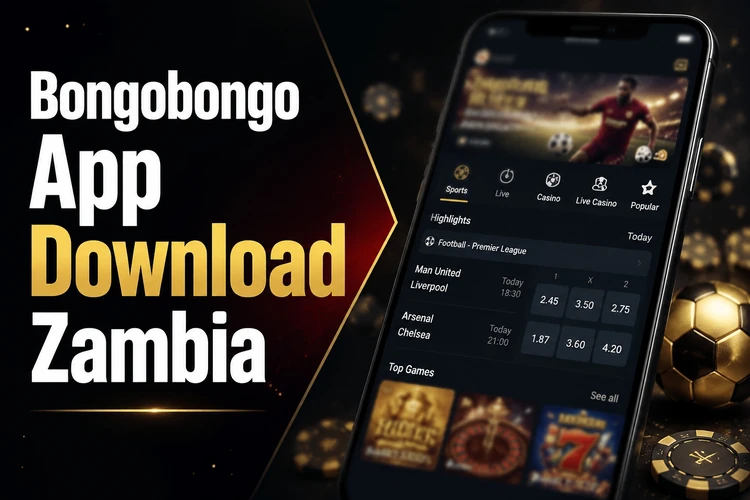
Whether you are installing an APK for the first time or checking for an update, use a reliable connection and keep enough storage available. Account access, deposits, withdrawals, and betting history can be managed from the mobile interface, subject to the platform’s applicable terms and verification requirements.
Why Use Bongobongo App
A dedicated mobile application can reduce dependence on browser tabs and make frequently used account functions easier to reach. The Bongobongo app for Android is arranged for quick movement between sports markets, live events, and casino games. A compact layout also leaves more room for the bet slip while you review selections.
The interface adapts to different screen sizes and uses touch-friendly controls. Menus, account settings, and open bets are available without navigating several browser pages. Performance still depends on the phone and network, so closing unused apps and using a stable connection can help during live betting. Notifications, if enabled, can provide account or event updates, but they can also be disabled in the device or app settings.
How to Download Bongobongo App
Android users should begin from the official site at bongobongozm.com and use the mobile browser on their phone. Find the application download area and select the Android download option. Avoid copies offered by unknown websites, since an altered installation file may expose your device or account to unnecessary risk.
- Step 1: Check that the phone has a compatible Android version and at least 100 MB of free storage.
- Step 2: Start the download over a stable Wi-Fi or mobile-data connection.
- Step 3: Open the Downloads folder when the file has finished saving.
- Step 4: Tap the file and follow the Android installation instructions.
- Step 5: Launch the application and check that the sign-in and registration screens load correctly.
The download may take longer on a weak mobile connection. Do not close the browser while the file is being saved, and check the notification panel if you cannot find it afterward.
Bongobongo APK Download and Installation
An APK is the package format Android uses to install an application outside an official app store. When you open the file, Android may ask you to allow installation from the browser or file manager that downloaded it. This permission applies to that source, not necessarily to every application on the phone.
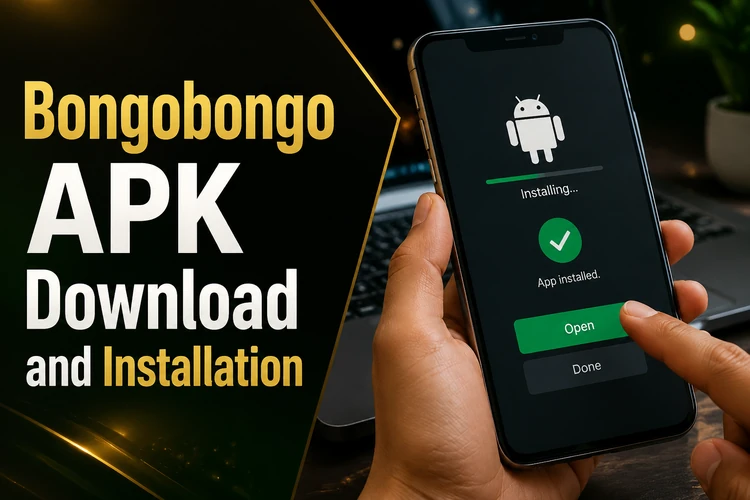
Open Settings and look under Security, Privacy, or Apps, depending on the Android manufacturer. Allow the browser or file manager to install unknown apps, return to the downloaded file, and confirm the installation. Once the process finishes, disable the permission again unless you have a specific reason to keep it enabled.
If installation is blocked, confirm that the permission was granted to the correct source. Other common causes are insufficient storage, a damaged download, or an existing application that conflicts with the new package. Delete the incomplete file, download it again from the official site, and make sure the device is not installing an older copy at the same time.
Download the Latest Version
A current release may include performance improvements, security fixes, and compatibility changes for newer Android systems. It can also resolve errors found in an earlier build. The application should be updated through the official download page or through an update notice displayed within the platform.
Before updating, finish any important account action and keep the phone connected to power if the battery is low. Download the new APK and install it over the existing version when Android offers that option. In normal circumstances, the account remains associated with your login details, but you should never assume that an update replaces the need to remember your password.
Registration Process
New customers need an account before placing bets or accessing account-based casino functions. Open the registration form in the application and enter the requested mobile number, email address, name, date of birth, and password. Use accurate details that match any information later requested for account verification.
Create a password that is difficult to guess and do not reuse it on another service. Some registration flows provide a registration number or account identifier; save it privately if one is issued. After submitting the form, complete any confirmation step sent by SMS or email. You can then use the login page to access the new account. Do not create duplicate accounts to bypass a restriction or verification request.
Login Guide
To enter an existing account, provide the registered mobile number or email and the password created during registration. Check the spelling, spaces, and character case if the first attempt fails. A session may expire after inactivity, in which case the application will request your credentials again.
Use the password-recovery option on the sign-in screen if you cannot remember the password. Follow the instructions sent to the registered contact method and choose a new password that you have not used elsewhere. Several failed attempts may temporarily restrict access; waiting briefly is safer than repeatedly submitting guesses. If the problem continues, contact support through the contact page and include the error message without sending your password.
Mobile Features
The application provides mobile-optimised access to sports and casino sections. In sports betting, select a fixture to view available markets and odds, then add a selection to the bet slip. Review the stake, possible return, and selected market before confirming. Live odds can change quickly, and a selection may be rejected or repriced before confirmation.

Account tools may include deposits, withdrawals, balance information, open bets, settled bets, and transaction history. Available payment methods and processing times can vary, so check the instructions shown in your account before confirming a transaction. Notification, language, odds, and session settings can usually be adjusted without changing the account itself.
Android Compatibility
The draft requirements indicate support from Android 5.0 through newer releases. A phone with at least 2 GB of RAM and a dual-core processor should provide a basic starting point, while newer hardware is more likely to remain responsive when several sections are opened. The installation package is around 80 MB, but cached images and other temporary data need additional space.
A stable 3G connection may be enough to browse markets and submit standard bets, while 4G or Wi-Fi is preferable for live updates and streaming content. If storage becomes limited, clear the application cache through Android settings rather than deleting account information. Keep the operating system updated where the device manufacturer still provides security updates.
Common Issues
If the file does not download, check browser permissions, available storage, and the connection. A failed or unusually small file may be incomplete, so remove it and start a fresh download. Installation problems usually relate to blocked unknown-app permissions, insufficient space, or a damaged APK.
Login errors can result from an incorrect password, an expired session, or a temporary account lock. Use recovery instead of repeated guesses. If the application closes immediately, restart the phone, clear its cache, and check for a newer release. For slow performance, close background applications and switch to a stronger connection. When contacting support, provide the phone model, Android version, and exact error message, but never disclose login credentials.
Security Recommendations
Download the APK only from the official Bongobongo site and inspect the source before opening any file. Keep the application and Android system current, use a unique password, and avoid saving credentials on a shared phone. Lock the device with a PIN, fingerprint, or another available screen-security method.
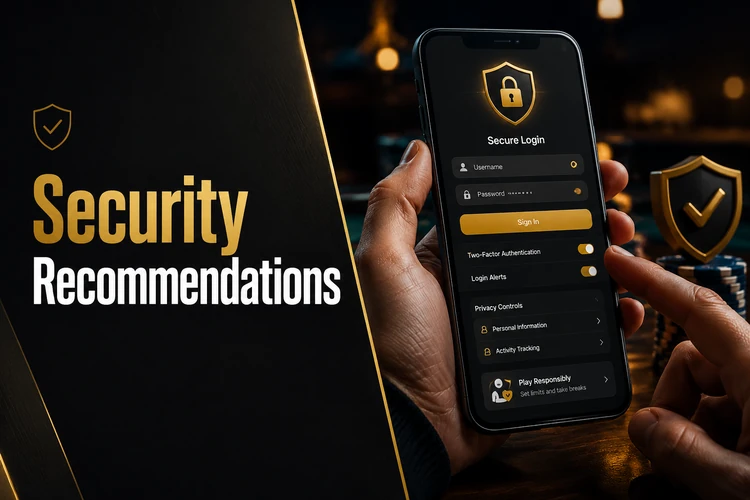
Log out after using a shared device and review balances and transactions regularly. Only grant permissions that are relevant to the application’s operation, and revoke them later if Android allows it. For practical guidance on setting limits and keeping play under control, see the responsible gambling information. 18+
FAQ
Open bongobongozm.com in your mobile browser, find the application download area, and select the Android option. After the APK saves, allow installation from that browser or file manager, then open the file and follow the Android prompts.
The draft information states that the application is distributed as an APK from the official website rather than through Google Play. Manual installation is therefore required when using that distribution method.
Open Android settings and allow the browser or file manager to install unknown apps. Check that the phone has enough free storage, then try again with a complete APK downloaded from the official site.
Open the registration form, enter the requested personal and contact details, create a strong password, and submit the form. Complete the SMS or email confirmation step if one is requested before signing in.
Select the password-recovery option on the login screen and enter the registered mobile number or email address. Follow the message sent to you and create a new password without sharing the recovery code with anyone.
Return to the official website and download the newest available APK. Install it over the existing application when prompted, keeping the phone connected and ensuring there is enough free storage for the update.